We only use cookies to enhance your experience. No cross-site tracking, no ads. Read our Cookie Policy.
The Supercut MCP gives agents context.
Model Context Protocol gives AI assistants permission-aware access to recordings; semantic search, transcripts, frames, comments, reactions, and more.
Semantic search across videos.
Agents query recordings, transcripts, and metadata with natural language—not brittle keyword filters.
See + read what's been recorded.
Pull transcripts, video frames, comments, and reactions on demand so agents work from real context, not a recap.
Trigger workflows from activity.
Agents react to Supercut activity and trigger follow-up in the tools you connect, so work keeps moving.
See the MCP in action.
Fetch transcripts.
get_transcript
Pull in images.
get_frame
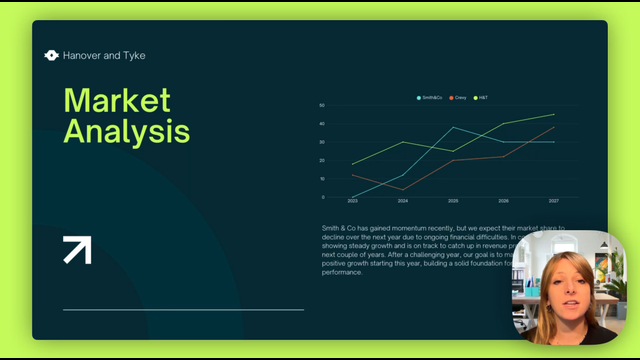 00:22
00:22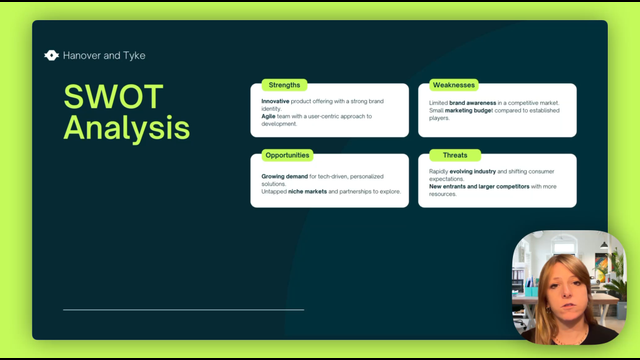 00:56
00:56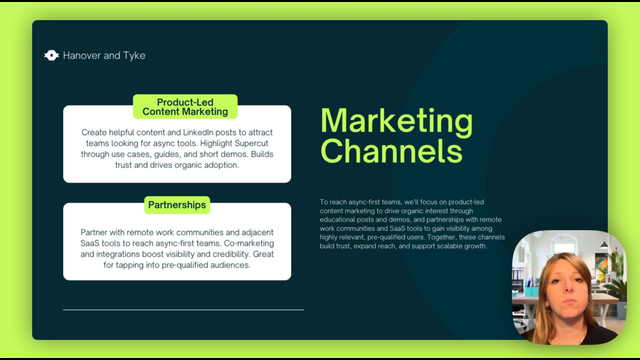 01:29
01:29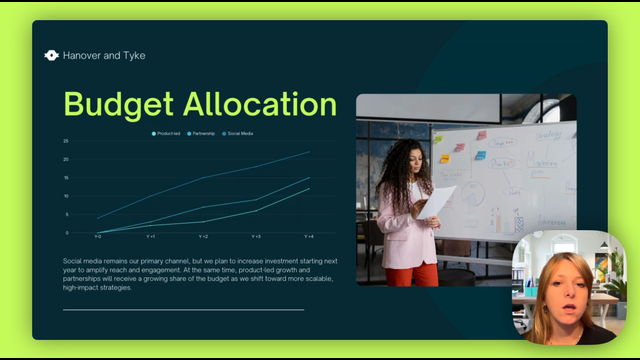 02:10
02:10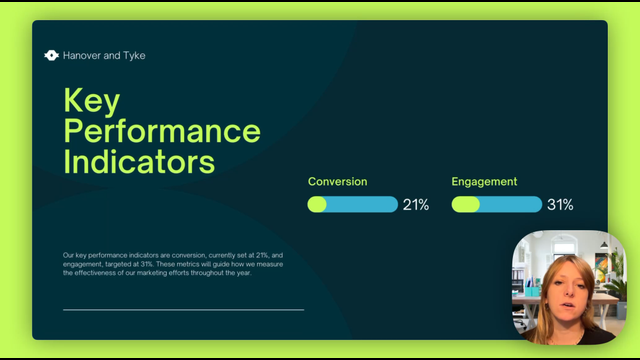 02:44
02:44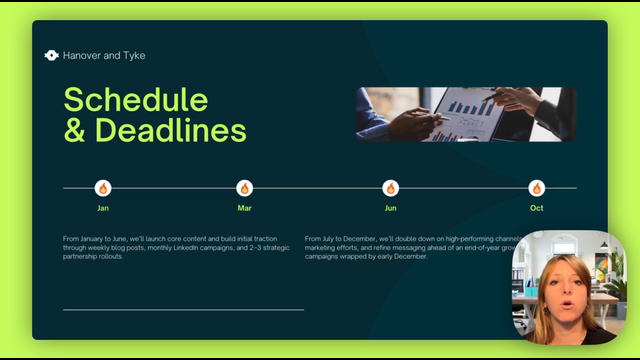 03:17
03:17Collect feedback.
list_comments
What are the identified niche markets?
Hey @Maarten Ackermans , the top 3 niches are academic medical centers, biotech startup, patient advocacy groups. Hope this helps!
Are we going to set up a dedicated team to build the partnership strategy?
Yep, @Maarten Ackermans , we're working in setting a small cross-functional partnerships pod! @Neil Kinnish will be the driver for this! 💪
Do we have criteria for selecting strategic partners?
Yes, we'll probably reassess next quarter. For the first batch, we'll focus on partners with broad distribution and regulatory maturity. @Mark Jensen if you've other proposal we can consider!
How often are we re-evaluating the schedule to see which campaigns have worked best?
Take a pulse.
list_reactions
Learn what you can build.
Set up Supercut with Claude Code
Add the Supercut MCP server in Claude Code, then sign in only if Claude asks you to.
Set up Supercut with Claude Desktop
Connect Supercut as a remote connector in Claude Desktop and authorize access in the browser.
Set up Supercut with Codex
Point Codex at Supercut’s MCP endpoint and bring recording context into your coding sessions.
Set up Supercut with Cursor
Configure Cursor so its agents can search recordings and read transcripts from your editor.
Set up Supercut with VS Code
Add Supercut to VS Code for Copilot-powered workflows over your recordings.